Free for Windows 10 and 11
Point at anything.
Literally.
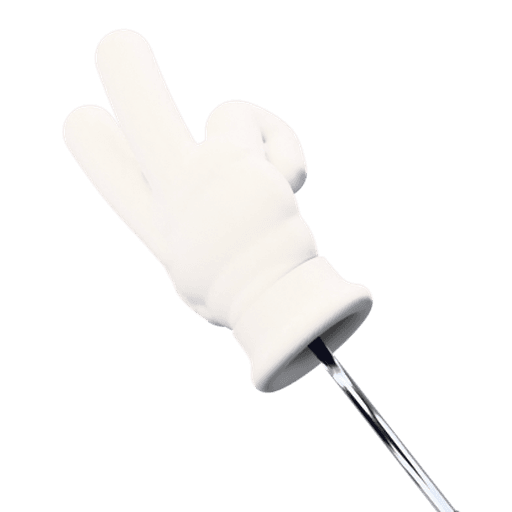
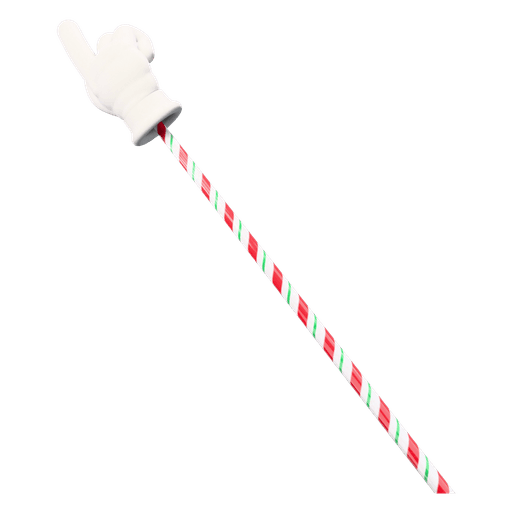
PointerStick swaps your cursor for a 3D cartoon glove on a telescoping stick that taps the screen when you click. The classic pointer is free. Premium adds every style, screenshots, screen recording and a simple trim and cut editor.
- Pointer on/off
- Screenshot
- Record
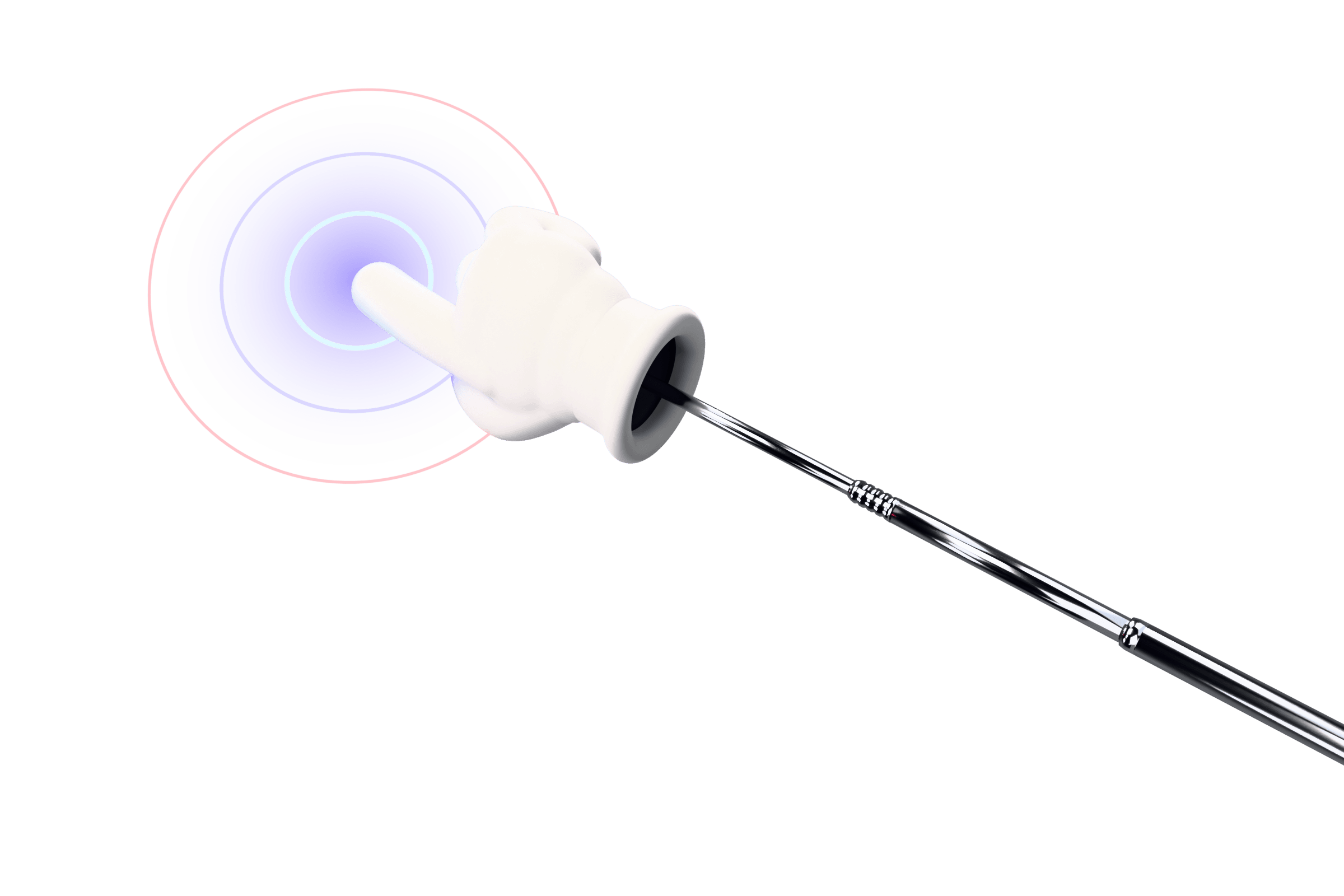
See it in 30 seconds
Hotkey on, point, tap. Then a quick look at the styles.
Try it right here
Your mouse is the demo on this page. Click the chart like you're presenting it, then try any style, including Premium ones.The live pointer needs a mouse. On a phone, browse the styles instead.
Quarterly cookie sales
Slide 7 of 12
The first option in each row is free; the rest come with Premium. Trying them here is free. See all styles
Premium
Capture and record, pointer included
Take a screenshot or record your screen without switching tools. The pointer and its taps show up in the result, so viewers see exactly what you did.
Screenshots
Press then drag a region, click a window, or press Enter for the full screen. Saved as PNG and copied to the clipboard.
Screen recording
Record a monitor or a region after a 3-2-1 countdown, with system audio and your mic (pick the devices, watch the levels). Pause and resume any time, and add an optional webcam bubble. The control pill stays out of the video.
Trim and cut
When you stop, a simple editor opens. Trim the ends, cut out a section, then export an MP4 (original or a smaller 720p file for sharing) or a GIF.
- Pause and resume: Ctrl + Alt + Shift + R
- Webcam bubble: circle or rounded, S / M / L, mirror
- Record the same area again
- GIF export at 480, 640 or 800 px
- Shutter and start/stop sounds
Made for screens other people watch
- PresentationsPoint at the exact number on the slide, even on a projector or a video call.
- Tutorials and recordingsRecord your screen with the pointer in it. Every click is visible and audible.
- StreamingA pointer your chat will notice, for walkthroughs, reviews and fun.
- TeachingStudents can follow along on a smartboard or a shared screen.
- Design reviews and demosTap the exact pixel you mean, so “this button” is never ambiguous.
- Bug reportsGrab a screenshot or a short clip showing exactly what you clicked.
Simple on the outside, solid on the inside
Every monitor
One overlay per display. Move across your setup and the stick follows.
Click-through
Clicks, drags and scrolls pass straight through to your apps.
Per-monitor DPI
Sharp on 4K, 1080p and mixed-scale setups.
Lightweight
A small native app that only draws while it's on.
Global hotkeys
Pointer, screenshot and record from any app. It warns you if a hotkey is already taken.
No account
Free works without a key. Premium is one key for up to 3 of your PCs.
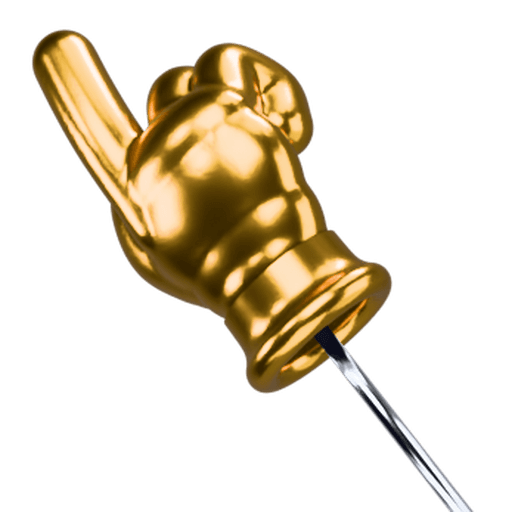
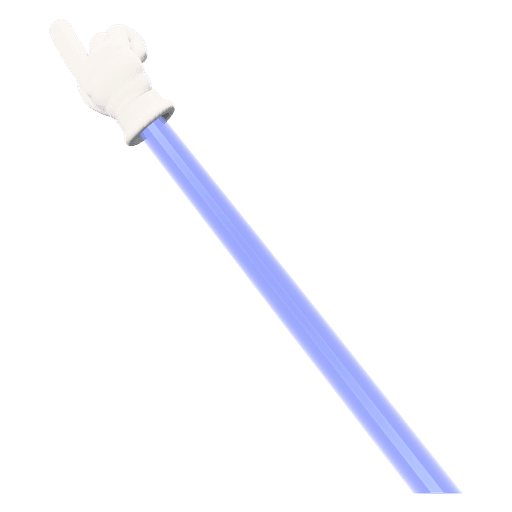
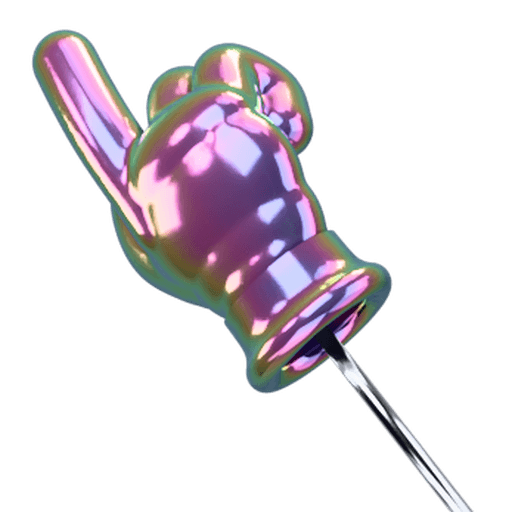
51 more styles with Premium
Gloves, gestures, sticks, trails, impacts and sounds. Try any of them on this site first.
Free to start. One price for everything.
No subscription and no account. Upgrade whenever you want.
Free
$0forever
The classic pointer. No key, no account.
- The classic white glove pointer
- Point gesture on the telescoping stick
- Ripple tap and glass-tap sound
- Works on every monitor
Premium
Everything included$12.99one time
Pay once. Use it on up to 3 of your PCs.
- Every glove, gesture, stick, trail, impact and sound
- Screen recording with system audio, mic, pause and countdown
- Optional webcam bubble in your recordings
- Screenshots (region, window or full screen)
- Simple editor: trim and cut, export MP4 or GIF
- All future styles and updates in v1
- Use it on up to 3 of your PCs
Secure checkout by Stripe · 30-day refund
Frequently asked questions
What's free and what's in Premium?
The download is free with no key and no account. Free includes the classic white glove on the telescoping stick, the point gesture, the ripple tap and the glass-tap sound. Premium ($12.99 once) unlocks every glove, gesture, stick, trail, impact and sound, plus screenshots, screen recording and the simple trim/cut editor.
Is it a subscription?
No. Premium is a one-time $12.99 purchase. There's no account and no renewal.
Can I use Premium on more than one PC?
Yes. One key works on up to 3 of your PCs at the same time, like a desktop, a laptop and a work machine. Got a new PC? Enter your key on it and the app lets you pick an old one to remove. If you need more than 3, email support.
Does screen recording include audio?
Yes. Recording captures system audio by default, and you can add your microphone. You can pick which output and which mic to use, and level meters show that sound is coming through.
Can I pause a recording or include my webcam?
Yes. Pause and resume with Ctrl+Alt+Shift+R (or the button on the recording pill), and a 3-2-1 countdown runs before recording starts. You can add an optional webcam bubble, circle or rounded, in small, medium or large, that you can drag into place and mirror.
Can I export a GIF or a smaller video?
Yes. After trimming and cutting, export the original-quality MP4, a smaller 720p MP4 that's easy to share, or a GIF at 480, 640 or 800 px wide (10 or 15 fps).
Where are screenshots and recordings saved?
Screenshots are saved as PNG files in Pictures\PointerStick and copied to your clipboard. Recordings are saved as MP4 files in Videos\PointerStick. When you stop recording, the editor opens so you can trim the ends or cut out sections before exporting.
Does the pointer show up in recordings and screen shares?
Yes. PointerStick's own recordings include the pointer and its click effects. In Zoom, Teams or OBS, share or capture your entire screen (not a single window), and the pointer is included there too.
Will my clicks still work in other apps?
Yes. The pointer is drawn on a transparent, click-through overlay, so clicks, drags and scrolling go straight to whatever is underneath.
Which versions of Windows are supported?
Windows 10 and Windows 11 (64-bit). There's no Mac version at the moment.
How do I unlock Premium after buying?
Your license key is shown right after checkout, and we email it to you too. In the app, open the Locker, choose Upgrade, then I have a key, and paste it in. Lost it? Use the Find my license page.
What if Premium doesn't work for me?
Email support within 30 days of purchase and we'll refund you. See the refund policy for details.